
What happened
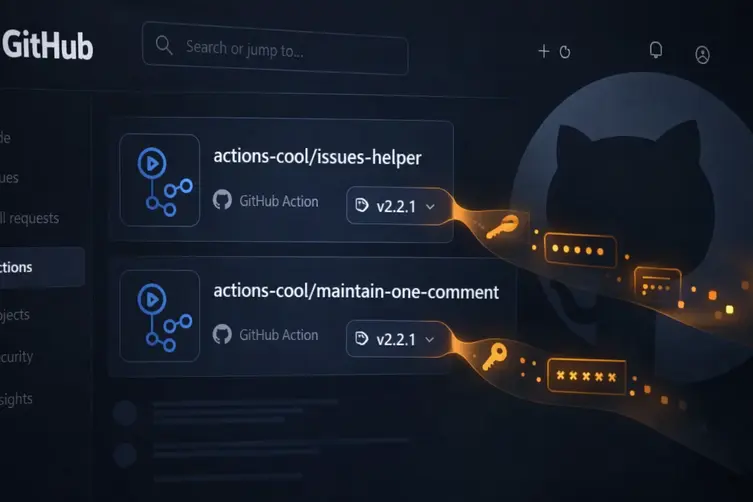
Two GitHub Actions from the actions-cool account — actions-cool/issues-helper and actions-cool/maintain-one-comment — were originally hijacked back on May 18, 2026. The attackers slipped a payload into the release tags that quietly harvested CI/CD credentials and sent them off to an attacker-controlled domain (noted as t.m-kosche[.]com).
Those repos were disabled by platform staff for a while, but on September 16, 2026 they were accidentally made available again. Problem was: the malicious release tags were still there. Any workflow that referenced those actions by a version tag happily downloaded and executed the same payload again — no new exploit, no new release, just a repo becoming downloadable.
Why this is annoying (and dangerous)
This isn’t your classic “new malicious version published” drama. Instead it’s a classic case of a mutable tag coming back to life. If your workflow uses a floating tag or a version tag (for example, actions-cool/[email protected]), a re-enabled repo can instantly start doing bad things without the attacker lifting a finger.
Because many workflows run on timers or on issue/PR events, most affected repositories likely executed the payload within a day of the re-enablement. The payload aims to grab secrets and other sensitive data from the environment — which can quickly turn into a supply-chain catastrophe.
What you should do right now
Quick checklist — do these things today if your projects might be affected:
- Search your workflows for any reference to the two actions (treat
actions-cool/[email protected]as compromised). - Remove the actions, or update the references to a known-clean full commit SHA that predates May 18, 2026.
- Rotate any exposed secrets that may have been available to workflows using those actions.
- Inspect workflow run history for unexpected successful runs after long periods of “setup job” failures — that can indicate a resumed payload run.
- Audit your repo commits and release/tag history for anything unusual after September 16, 2026.
Final note: pinning to a full commit SHA (aka SHA pinning) removes the risk that a remote repo’s mutable state will suddenly change the behavior of your workflow. It’s extra effort, but it’s the simplest way to stop surprises like this from sneaking back into your CI.
Stay paranoid, rotate keys like you rotate socks, and maybe treat auto-enabled repos like that weird leftover in the fridge — check what it is before you take a bite.