
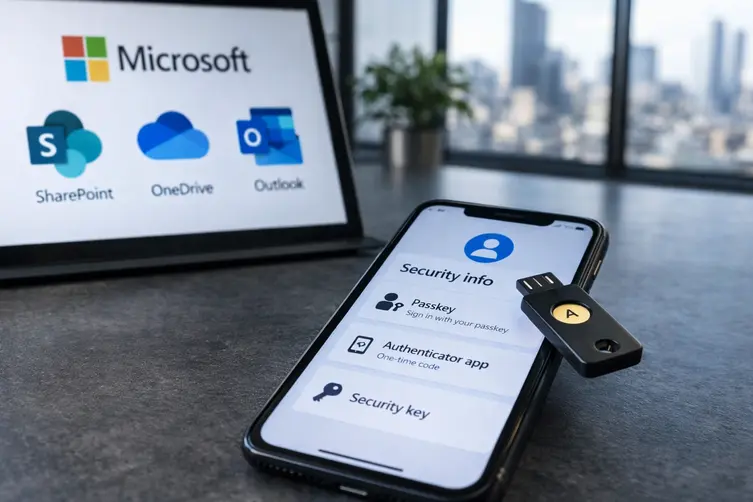
Heads up: attackers ran two very different (but equally slimy) campaigns that hit enterprise inboxes and cloud accounts. One was a mass CEO-style invoice scam that tried to trick finance teams into wiring money. The other used passkey-themed social engineering to slip into Microsoft cloud accounts and quietly loot files. Below is the cleaned-up, no-links, slightly snarky breakdown.
CEO invoice blast — fake approvals, real money attempts
Between early August dates, crooks sent out a tsunami of spoofed payment requests pretending to be company executives. They dressed these emails up with forged approval threads, phony invoices and even signatures that included real CEO/CFO names so the whole thing looked legit to busy AP folks.
Two things made this campaign especially nasty: the attackers leaned on generative AI to produce tailored email copy and they abused third-party email delivery services to flood targets without tripping basic filters. Instead of one tired scammy paragraph, the messages layered executive impersonation, familiar vendor branding, bogus invoices, and fake back-and-forth conversations — basically a convincing little soap opera to lower suspicion.
Some of the fraudulent domains observed in these invoices included:
- service-nowinc[.]com
- domainlify[.]net
The scam asked accounts payable teams to initiate ACH transfers to attacker-controlled accounts by showing a fabricated “approval.” It’s the classic social-engineering playbook upgraded to look shiny and corporate.
Passkey social engineering — account takeover and data siphoning
This campaign targeted cloud identities and didn’t always rely on stolen passwords. Instead, attackers used voice and text-based social engineering to convince employees they needed to update their passkey or authentication settings immediately. Victims were redirected to convincing fake sign-in pages on attacker-controlled sites or guided through device-code and adversary-in-the-middle flows to grant access.
Attackers did a lot of homework: identifying staff, grabbing public profile details, and sometimes using already compromised accounts to spread the same lure via internal messaging. They registered domains themed around identity support and enrollment and even added victim company names as subdomains to make the whole thing look legit. Examples included:
- passkeyhelpdesk[.]com
- secure-passkey[.]com
- setupmypasskey[.]com
- add-passkey[.]com
- integratedsso[.]com
- oktasession[.]com
- syncmykey[.]com
- portalsetuphub[.]com
Once inside, the actors often enrolled authentication methods they controlled (new phone numbers, authenticator apps, or software OTPs) to convert a temporary break-in into lasting access. With that persistence, they used APIs to quietly map out the environment and exfiltrate data. For example, mass collection and downloads from SharePoint and OneDrive were commonly observed through the Graph API, along with mailbox harvesting and tenant reconnaissance.
Typical post-compromise activities included:
- Large-scale tenant enumeration (users, groups, permissions and resources).
- Scanning for high-value accounts and roles for privilege escalation.
- Collecting mailbox content and metadata for intelligence.
- High-volume downloads from SharePoint Online and OneDrive for Business.
- Data exfiltration lasting hours to days, depending on volume.
- Rotating infrastructure and IPs for different stages to avoid simple detection.
Quick, practical steps — what to do right now
Keep it boring, keep it effective. Here’s a short checklist you can actually follow without hiring a SWAT team:
- Train finance teams to verify any payment change via a known phone number or in-person confirmation — not by replying to the email.
- Treat unexpected “auth update” prompts with skepticism and verify via official IT channels before clicking anything.
- Monitor and alert on suspicious enrollments of new MFA methods or additions of phone-based authenticators tied to accounts.
- Inspect Graph API activity holistically — one API call alone might look fine, but a pattern of reconnaissance + downloads is suspicious.
- Apply least privilege, review service principals and app permissions frequently, and revoke stale or unused access.
- Use conditional access, block legacy authentication, and require MFA for risky or new device sign-ins.
These attacks are clever but not mysterious — they combine old-school social engineering with modern tooling. Stay skeptical of urgently worded emails, lock down authentication signals, and treat any request to change MFA or payment details like a tiny fire that should be stamped out immediately.