
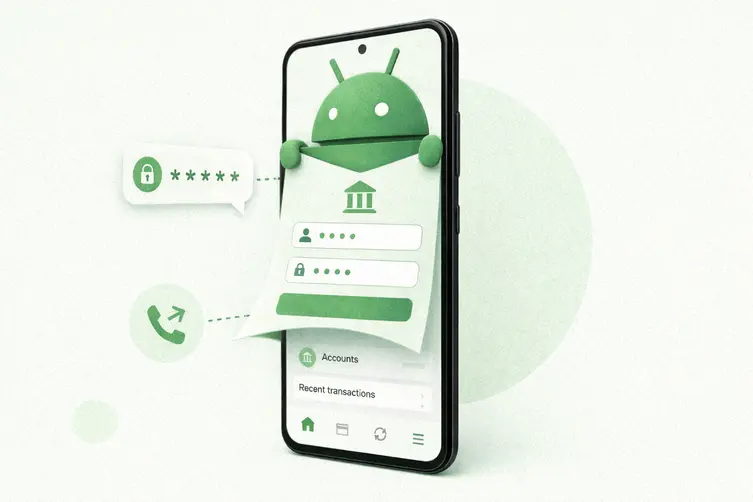
Meet RedWing — a slick little mobile crime-as-a-service setup that’s being rented out on Telegram like streaming software for crooks. Buyers get subscription tiers, tutorials, referral discounts and a bot that builds a custom malicious app on demand, so you don’t need to be a coder to run chaos. Researchers discovered it and say many of its droppers and payloads currently slip past normal security tools.
What RedWing actually does
The operation doesn’t rely on exotic zero-days. It trickily convinces people to install apps from outside official stores by serving fake app pages (think phony store listings with fake ratings, reviews and download counts). Once installed, the app asks for a sequence of permissions — quietly and politely — while a harmless webpage keeps the user distracted. The crucial permission is Android’s Accessibility service, which the malware abuses to read screens and control the device.
With those permissions, the malware gains a frighteningly broad toolkit. Typical capabilities include:
- Fake login overlays that pop up on top of real banking and crypto apps to snatch credentials (classic bank fraud move).
- Reading incoming SMS messages to harvest one-time passcodes; using Accessibility to lift codes, card numbers and PINs as they appear on screen.
- Silently enabling call forwarding to the attacker’s line via hidden carrier codes, so phone-based verification calls get diverted.
- Live screen streaming and keylogging so operators can watch and control the phone in real time.
- Turning on the camera and microphone, reading files, stealing contacts and call logs, and tracking location.
- Pooling infected phones into a botnet to overwhelm a target website with traffic (a primitive denial-of-service).
The service builds apps per buyer: some targets are baked into the custom app at build time, while overlay targets can be switched later from the attacker control panel — meaning the same malicious code can keep reappearing under new names.
How it spreads and how to defend (in plain English)
Infection usually starts with a phishing link that opens a fake app-store page and convinces you to sideload an app. The app stages permission prompts one screen at a time so they look routine: “Allow text handling,” “Turn off battery limits,” “Enable notifications,” etc. If you grant Accessibility or set the app as the default SMS handler, you basically hand the keys over.
If you want simple, effective defenses:
- Only install apps from official app stores. Treat any “update” that arrives by text or random link as suspicious.
- Do not enable “install from unknown sources” casually. Don’t give Accessibility, default SMS, or battery-exemption access to apps that have no obvious need for them.
- Watch for apps that hide their icon after installation — that’s a classic stealth move.
- On managed devices, enforce policies centrally: block sideloading and flag apps that request Accessibility or the default-SMS role.
For defenders hunting this family, names are useless because the kit gets reskinned often. Focus on the suspicious behaviors (overlay creation, SMS harvesting, Accessibility misuse, hidden call-forwarding) rather than app titles. The operation shows how Android crime is shifting toward on-device manipulation — criminals don’t need to steal your password to hijack your banking session if they can operate inside it.
Bottom line: treat unexpected install prompts like radioactive candy. Lock down installs, be stingy with permissions, and if something asks to become your phone’s puppetmaster, politely decline.