
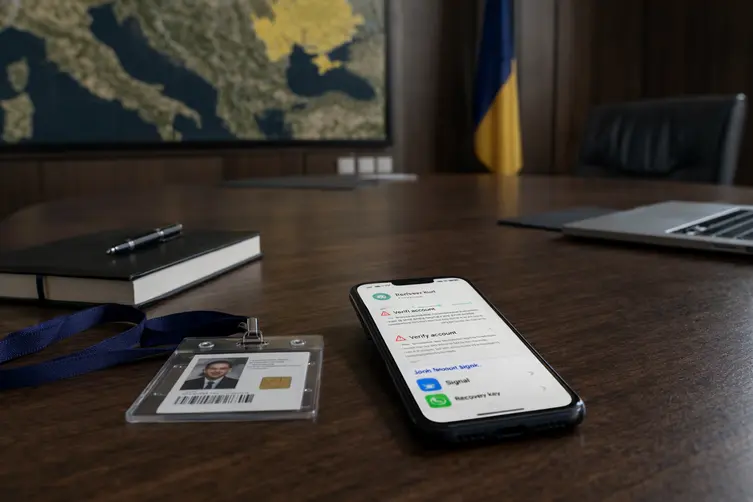
What happened (in a nutshell)
Ukraine’s Security Service (SSU), working with the U.S. FBI, says a long-running campaign by Russian intelligence aimed to sneak into people’s messaging accounts. Targets included government officials, military folks, politicians, activists — and ordinary Ukrainian citizens — across Ukraine, Europe, and the U.S. The attackers weren’t subtle: they sent SMS that pretended to be the app’s help bot and begged users to hand over codes and access.
The goal was simple and nasty: grab sensitive chats, personal data, and anything juicy shared in those accounts. Some earlier waves of attacks hit users of apps like Signal and WhatsApp and have been linked by security teams to threat clusters often tracked by researchers. Security responders also warned that separate spear-phishing efforts delivered information-stealing malware to government organizations using compromised accounts.
How to not get owned — quick and slightly sassy tips
These crooks love tricking people with convincing messages, so treat unexpected account recovery requests like a suspiciously polite stranger at your door. A few smart habits will keep your chats to you and away from the snooping types:
- Regularly check active sessions and sign out of any unknown devices — like evicting freeloaders from your couch.
- Enable two-factor authentication wherever possible so a single code isn’t the keys to the kingdom.
- Never give out confirmation codes, PINs, passwords, or backup recovery keys to anyone who messages you — not even if they use a friendly emoji.
- Don’t scan QR codes from strangers or unknown chats. If it looks odd, it probably is.
- Ignore and delete unsolicited links or attachments in dubious messages — clicking them is how trouble gets invited in.
In short: be skeptical, lock your accounts down, and don’t treat recovery codes like party favors. If you get an unexpected message asking for access, contact the service directly through its official app or website (not via the suspicious message) and report the incident to your security team or local CERT.